An hours-worked invoice: dated tasks, weekly subtotals, one rate

When you bill by the hour, the client is not really paying for a total; they are buying a list of days and what you did on each. An hours-worked invoice that shows only "Consulting, 17.75 hrs" invites the question you least want: where did the time go? This invoice template for hours puts each working session on its own dated line, groups the lines by week with hours per week, and prints the total hours against the agreed cap. It also states the time increment you round to and the rate, and puts a reimbursable expense on a separate line so it never counts as time. The guidance below covers rounding, minimum charges and hours caps, the three things that most often turn an hourly invoice into a negotiation.

Updated

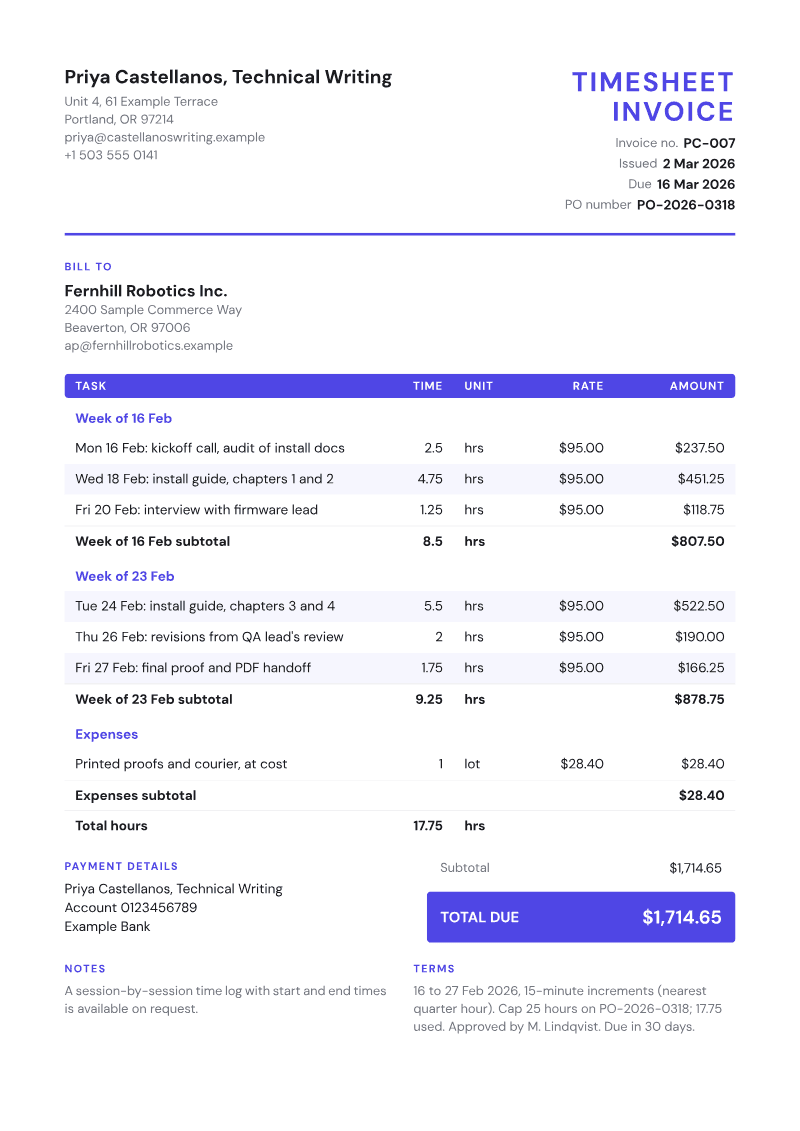
Sample hourly invoice on the Timesheet template, with invented business, client and prices

Job details

Billing period
16 to 27 Feb 2026
Total hours
17.75 of a 25-hour cap
Hourly rate
$95.00, 15-minute increments
Project / PO
Install guide v2, PO-2026-0318
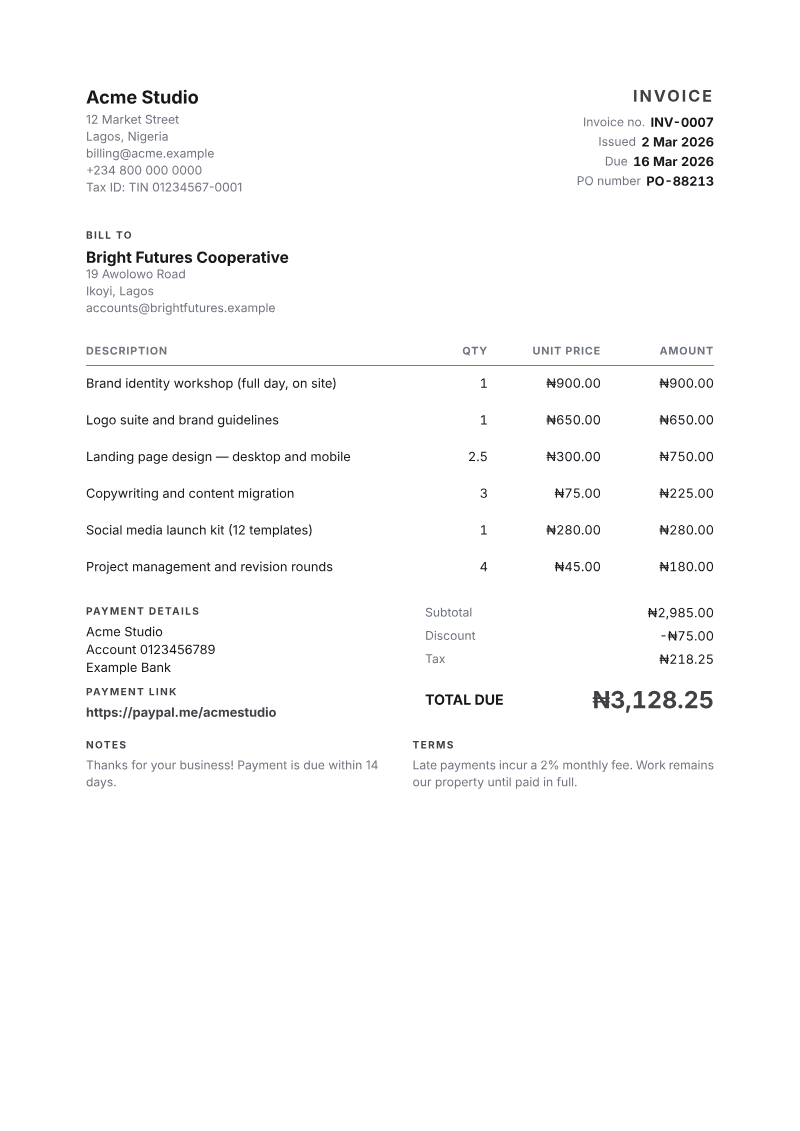
Shown on the Timesheet template. Rendered by the same engine that builds the PDFs Charming sends. Business, client and prices are invented for illustration.

Line items for hourly invoices

Starter line items for hourly invoices, prices left blank
DescriptionQtyUnitPrice
Week 1
Mon: task or meeting (date and what was done)1hrsLeft blank
Wed: task or deliverable worked on1hrsLeft blank
Fri: review call or revisions1hrsLeft blank
Week 2
Tue: task or deliverable worked on1hrsLeft blank
Thu: revisions requested by approver1hrsLeft blank
Minimum session charge, difference to the agreed minimum1eachLeft blank
Expenses
Reimbursable expense at cost (receipt available)1lotLeft blank

Prices are left blank on purpose. Use your own rates.

What hourly invoices should include

A date and a task on every line
The line description is what the client's approver signs off. "Wed 18 Feb: install guide, chapters 1 and 2" can be checked against their calendar and their inbox; "Writing, 4.75 hrs" cannot. Short is fine, but name the deliverable or meeting.
Example: Wed 18 Feb: install guide, chapters 1 and 2
The time increment you round to
Quarter hours and tenths of an hour produce different totals from the same day. State the increment, and whether you round each session or the day, in the terms, so a 1.25 or 0.3 on a line reads as your stated method, not a guess.
Example: 15-minute increments, rounded per session
Rate, total hours and any cap
Print the rate once, the total hours, and how much of an agreed cap the invoice uses. Clients with a budget or a purchase order track hours against it, and showing "17.75 of 25" warns them early that the next invoice may need more approval.
Example: $95.00 an hour; 17.75 of a 25-hour cap
Who approved the hours, and the PO
Larger clients route hourly invoices to the person who manages the work before accounts payable releases payment. Naming that approver, and the purchase order the hours are charged to, saves a round trip through their inbox.
Example: Approved by M. Lindqvist; PO-2026-0318

How hourly work is usually billed

Quarter-hour or six-minute increments

Quarter-hour billing (0.25 h) is a widely used increment for freelancers and consultants; six-minute billing (0.1 h) is finer and suits work made of many short calls and emails. If you round up to the next increment, a five-minute call costs a quarter hour under one and a tenth under the other, so the choice matters for clients who send lots of small requests. Pick one, agree it in writing, and apply it the same way every time: round each session, not the invoice total.

Minimum charges

A minimum, such as one hour per booked session or a half-hour floor for any call, covers the cost of switching into a client's work. It is fair only if it was agreed before the work. On the invoice, bill the time actually worked and add the difference as a separate minimum-charge line, rather than inflating the session's hours, so the time log and the invoice still match. Give that line a unit other than hours, such as "each", so it stays out of an hours total.

Hours caps and not-to-exceed amounts

Clients often approve a block of hours or a not-to-exceed amount, especially when a purchase order is involved. Track hours against it on every invoice, stop or ask before you cross it, and never bill hours above the cap without written approval. For pacing invoices on longer engagements, see how to invoice for consulting; for setting due dates, net 30 payment terms.

Rules and good practice

United States (IRS): how long to keep the invoices and time records
Rule

The IRS says you generally must keep records that support an item of income or deduction on a tax return until the period of limitations for that return runs out, which is three years in the ordinary case and longer in some situations, such as six years if you leave out income worth more than 25 percent of the gross income shown on the return. Your invoices support the income you report, so keep them, and the time logs behind them, for at least that long. Clients may ask for the log behind an old invoice during their own audit, too.
Record time when you work, not when you invoice

Hours reconstructed at month end are almost always lower and less specific than hours logged on the day. Use whatever log you will actually keep, whether a timer, a calendar or a notebook, note start and end times or the duration per session, and copy the totals onto the invoice. Keep the log; it is your evidence if a client queries a line.

Agree the cap and the overrun process up front

Write down how many hours are approved, what happens when you approach the limit (a warning at 80 percent is a common courtesy), and who can approve more. An agreed process turns a cap into a planning tool instead of a reason to withhold payment for hours already worked.

General information, not tax or legal advice. Rules vary by place and change; check the current official guidance.

Making hourly invoices in Charming

The Timesheet template used for this sample groups lines by their section label, such as a week or a project, and prints the hours for each group and a total hours line. Only lines whose unit is hours (hrs, hr, hours) count towards those figures, so an expense or a minimum charge in another unit stays out of them. Quantities accept up to three decimals, so 0.25, 0.1 or 1.75 hours all work, and the PO number prints in the header. On a paid plan, a weekly or monthly recurring schedule creates a draft each cycle with your usual client and rate, ready for that period's dated lines. The line items above are also a starter kit in the app: on a new invoice with no lines yet, choose Start from a kit, then "Hours worked" under Trades. Prices start at 0.00 for your own rates.

Timesheet is a layout with an hours total, not a time tracker: Charming has no timer and does not import hours from other apps, so you type the sessions in. It does not stop you at an hours cap, recurring drafts are on paid plans only and are never sent automatically, clients cannot pay by card from the invoice, and the Free plan adds a small "Sent with Charming Invoices" footer line.

Questions

How do I make an invoice for hours worked?
List each working session as a line with the date, a short description of the task and the hours, group lines by week or project, and multiply by your hourly rate. Add the total hours, the rounding increment and any cap in the terms, put expenses on separate lines, and include the client's PO number and the person who approved the hours.
Should I bill in quarter hours or tenths of an hour?
Either is accepted if it is agreed in advance and applied consistently. Quarter hours are simpler and common for freelancers; tenths are finer and suit work made of many short tasks. Whichever you choose, round each session rather than the total, and state the increment on the invoice so the client can check the arithmetic.
Should I attach a timesheet to an hourly invoice?
If the client asks for one, yes, and many corporate clients do. Otherwise, a dated line per session on the invoice is usually enough, with a note that the detailed log is available on request. Keep the log either way: it is what you will rely on if a client disputes an hour or audits a project.

Template designs

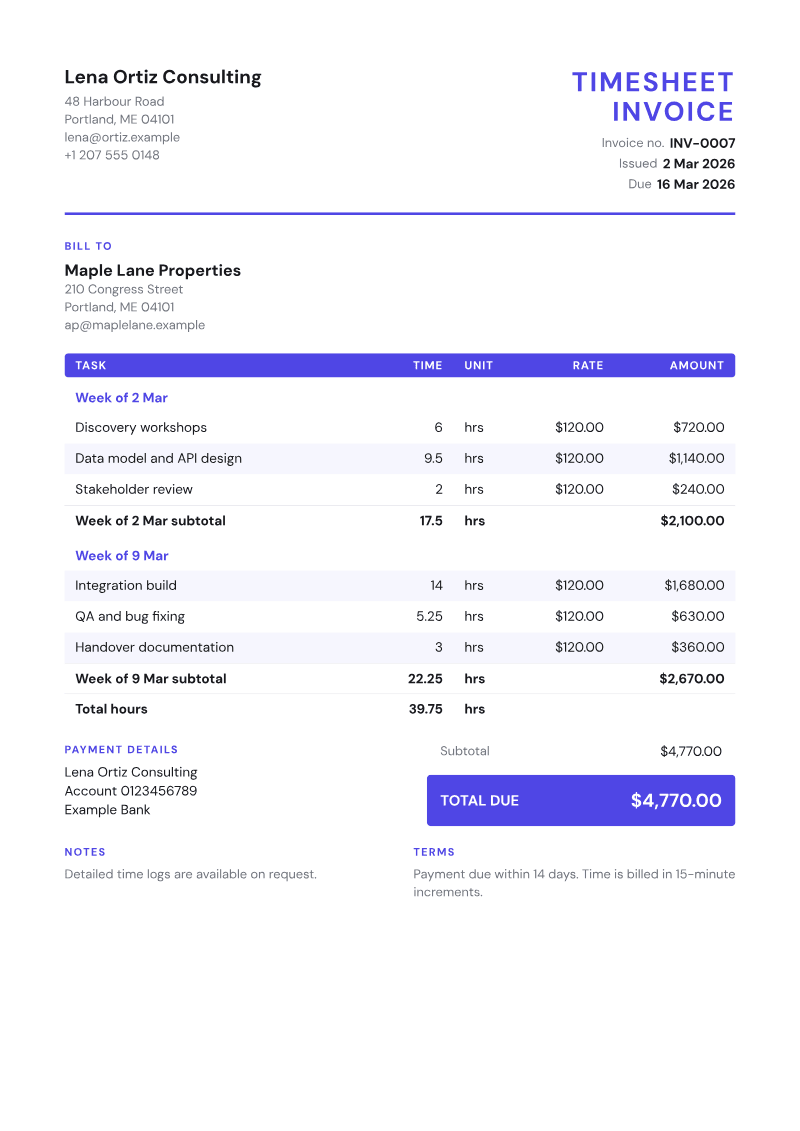
The Timesheet invoice template, shown on a sample invoice

Timesheet

Time entries grouped by week or project, with hours per group and a total hours line.

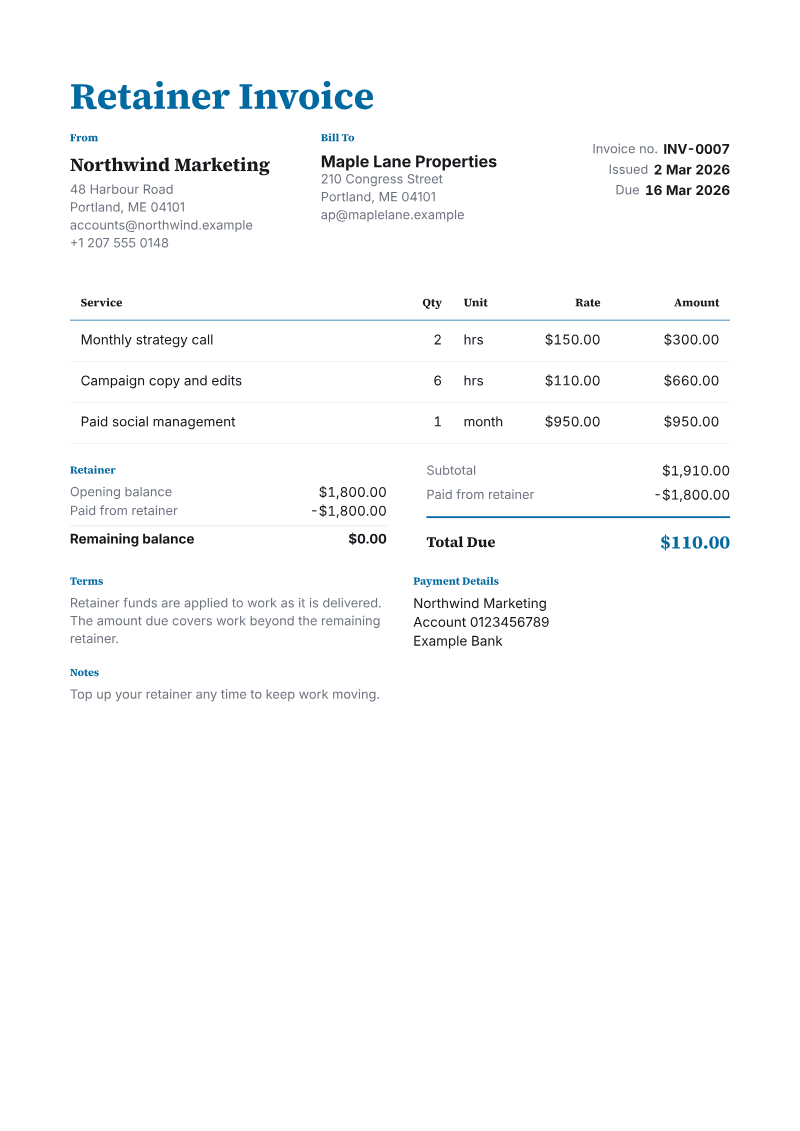
The Retainer invoice template, shown on a sample invoice

Retainer

Work drawn down from a prepaid retainer: opening balance, this invoice and what remains.

The Minimal invoice template, shown on a sample invoice

Minimal

Generous whitespace, hairlines and a single quiet accent.

Make this invoice with your own details

Add your business, your client and your own rates, then send it to your client as a PDF.