For freelancers · Technical

Terminal invoice template

Green and sky-blue type on a midnight background, set entirely in monospace, so your invoice reads like a console session.

Try a colour scheme

Template colours

Every scheme works on every template. Pick one in the editor after you sign up, or set your own brand colours.

Who it suits

Aimed at software developers, DevOps contractors, security researchers and indie game makers who spend all day in a terminal. A dark page is unusual for an invoice and instantly memorable, yet every colour pair was chosen to stay readable, so technical clients get the in-joke and their finance teams still get clear numbers.

What makes it different

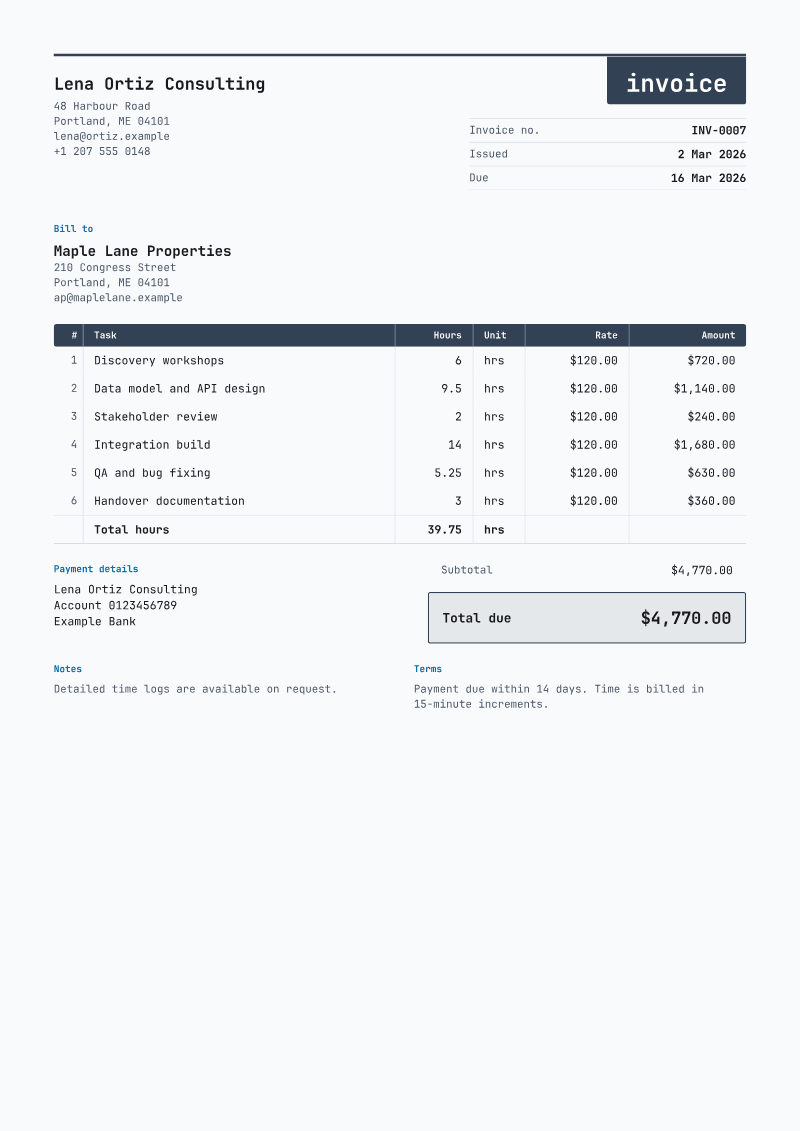
  • This is a dark page design: slate-navy paper, light grey text and bright green highlights throughout.
  • The title is written in lowercase as invoice, like a typed command, inside a near-black header bar.
  • Headings use Space Mono and the body uses a coding font, so every character takes the same width.
  • Items run through an outlined grid table, and the amount due sits inside a box like a highlighted output line.

Best for: Right at home on contract development sprints, code reviews, infrastructure work and bug-fix retainers billed to technical teams.

Free account, no card. All 60+ templates are free to use.

Terminal at a glance

Layout
Letterhead
Type
Space Mono headings, JetBrains Mono body
Line items
Grid table, outlined head; description, quantity, unit price, amount
Total
Outlined box
Also on the page
PO number

The preview shows sample data. Your invoices carry your own logo, business details, line items and payment details, and you can change the colours, fonts and layout in the editor.

Make it yours

Start your first invoice on Terminal

Create a free account and this template is ready with your own business, client and line items. Download the PDF whenever you like.